Manage Site Settings
- Under My Sites, open the Type D site you want to change.
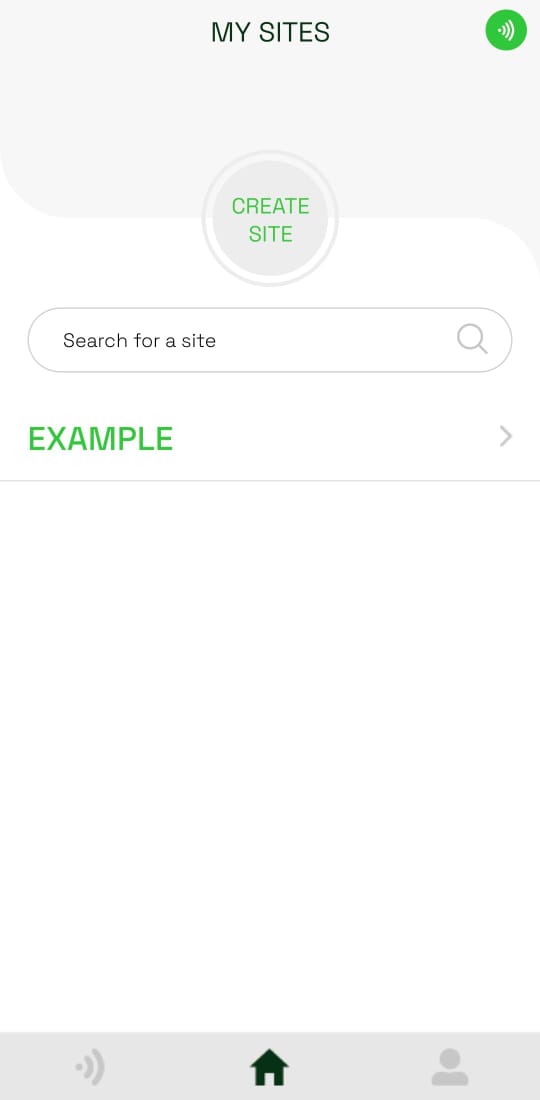
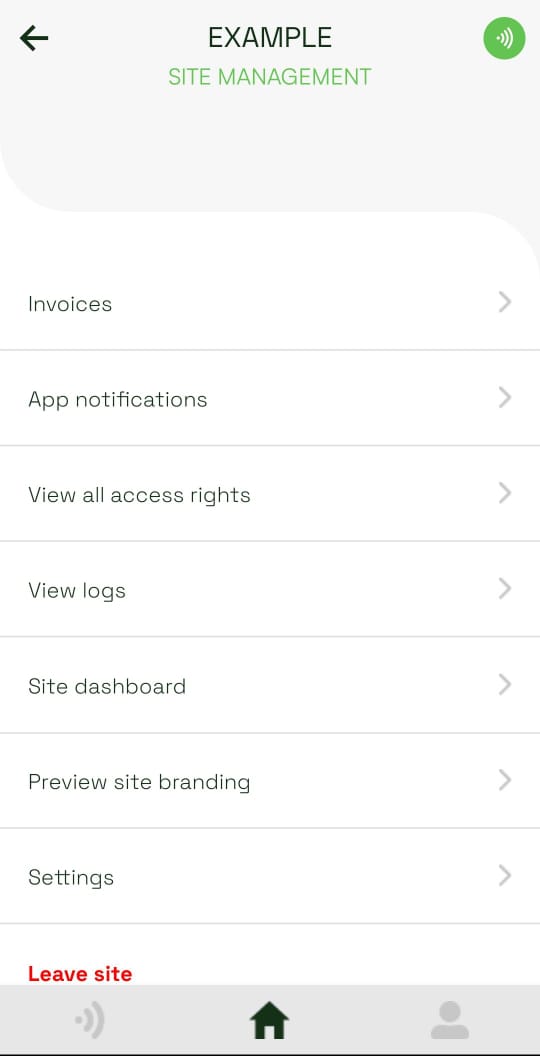
- Scroll through the site menu and tap Settings.
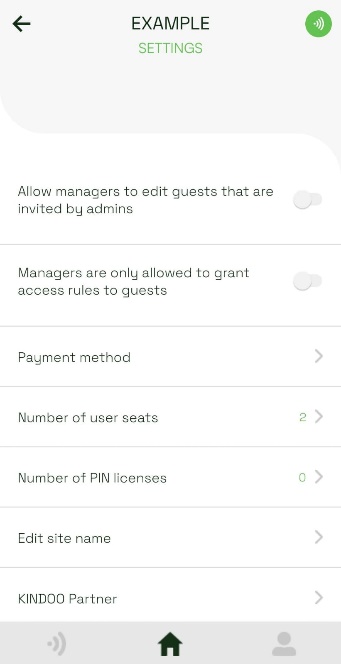
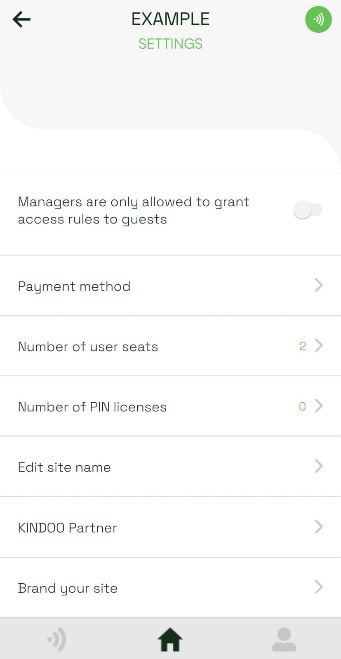
- Select the setting you want to update:
- Allow managers to edit guests that are invited by admins controls whether managers can edit those guest accounts.
- Managers are only allowed to grant access rules to guests limits how managers assign access.
- Payment method adds or updates site payment details.
- Number of user seats changes the site's user capacity and requires a payment method.
- Number of PIN licenses changes the contractor PIN capacity and requires a payment method.
- Edit site name renames the site.
- KINDOO Partner associates the site with a partner.
- Brand your site uploads an image shown when a user performs an action.
Leave a site
Tap Leave site at the bottom of the site menu when you no longer need membership.
warning
If you are the site's last administrator, invite another administrator before leaving. Without an administrator, no one can manage the site.