Create an Account and Sign In
Create your account
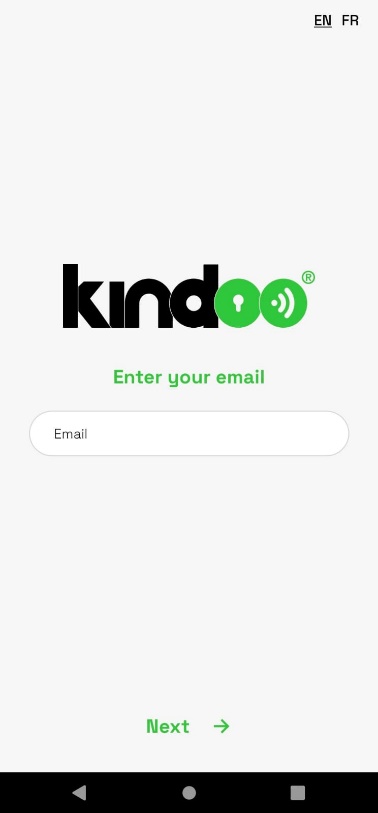
- Download and open the KINDOO app. Enter the email address you want to use, then tap Next.
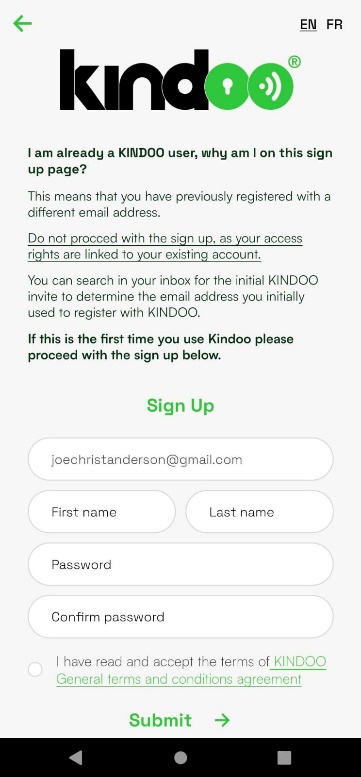
- Enter your first name, last name, and password. Confirm the password, accept the terms and conditions, and tap Submit.
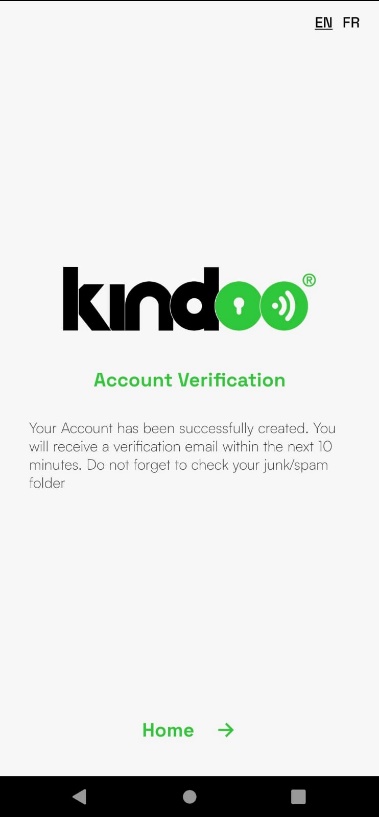
- KINDOO displays an account verification message and sends a verification email to the address you entered.
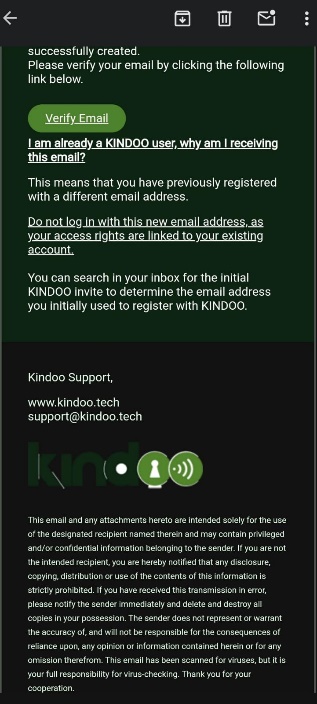
- Open the email from KINDOO and select Verify Email.
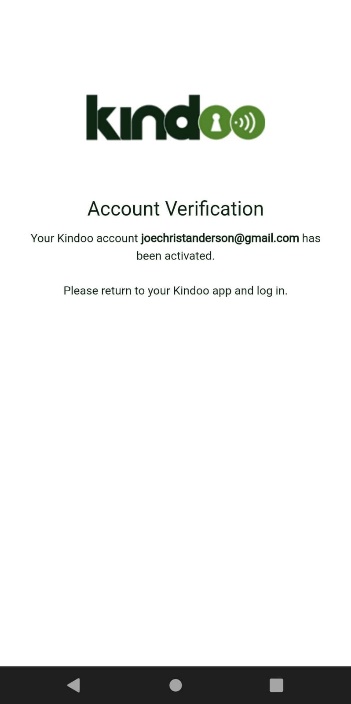
- A browser page confirms that your account is verified. Return to the KINDOO app.
Sign in
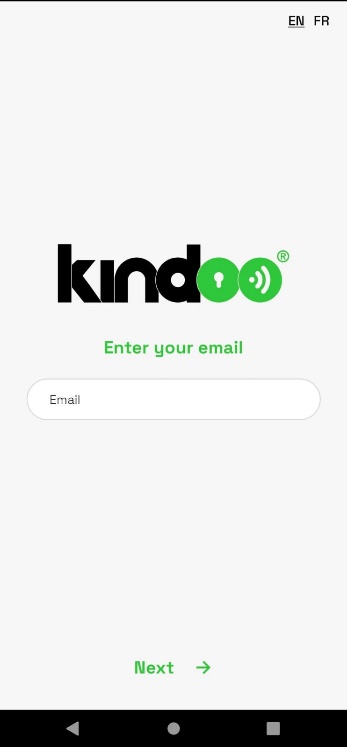
- Open KINDOO, enter your verified email address, and tap Next.
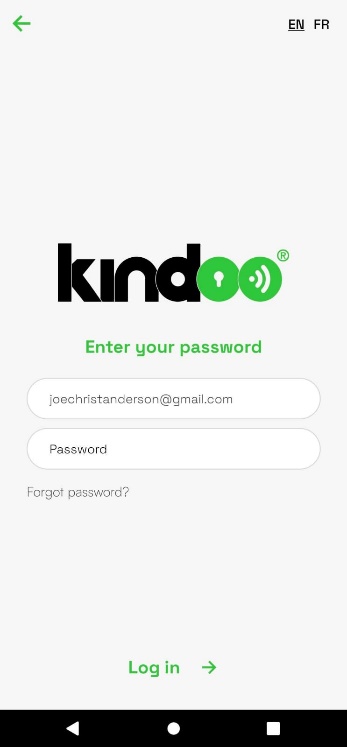
- Enter your password and tap Log In.
After signing in, you can create your first Type D site.