Create a Type D Site
A site groups the entry points, KIN devices, users, and access settings for a location.
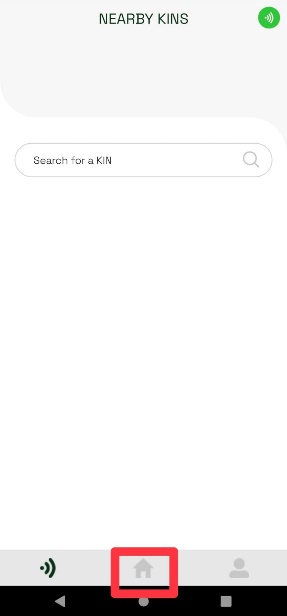
- From the app navigation, tap the Home icon.
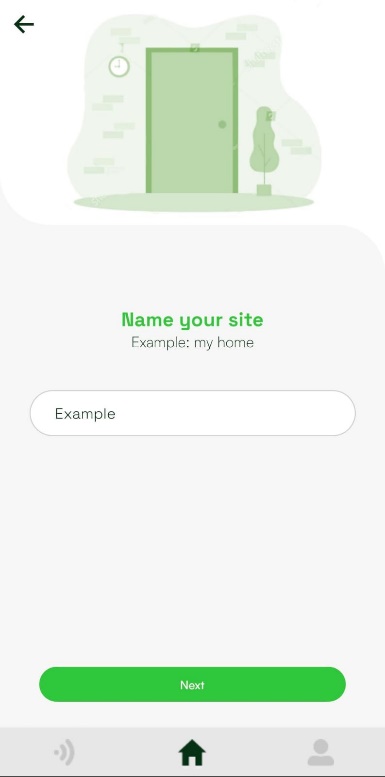
- If you do not have a site, the app opens the site creation flow. Enter a name for the site and tap Next.
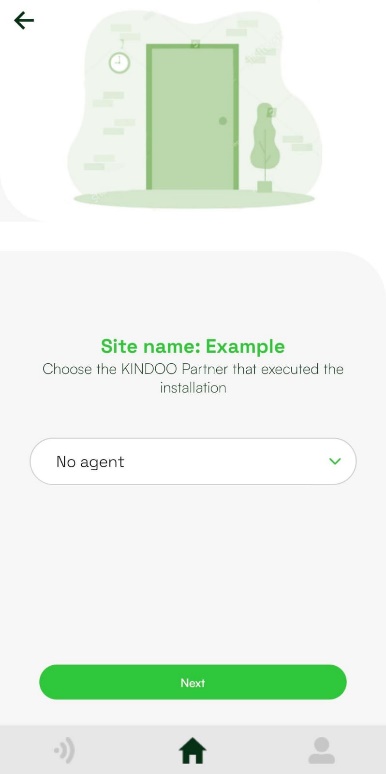
- Select your KINDOO partner, if applicable, and tap Next. Otherwise, leave No agent selected.
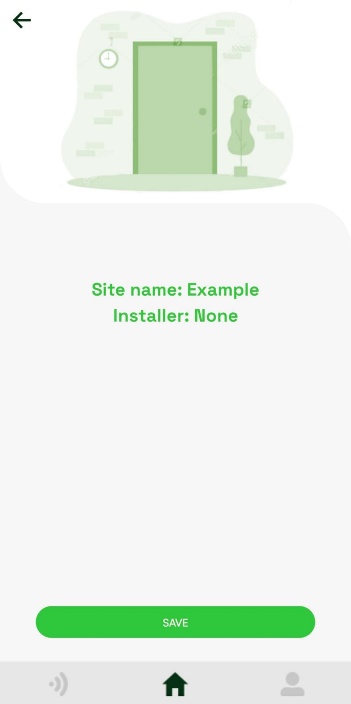
- Review the site name and partner, then tap Save.
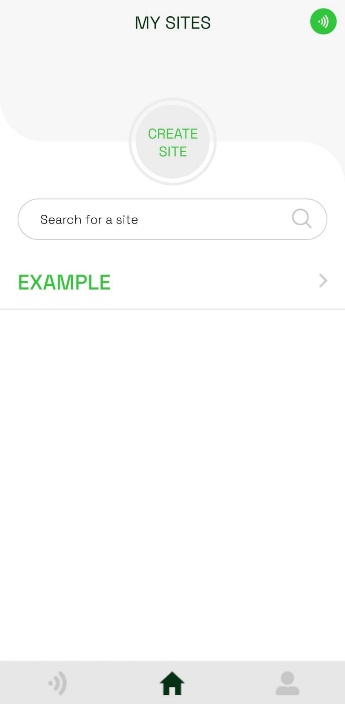
- The new site appears under My Sites.