Manage Your Profile and Partner Account
Manage your profile
Tap the Profile icon in the lower-right corner of the app.
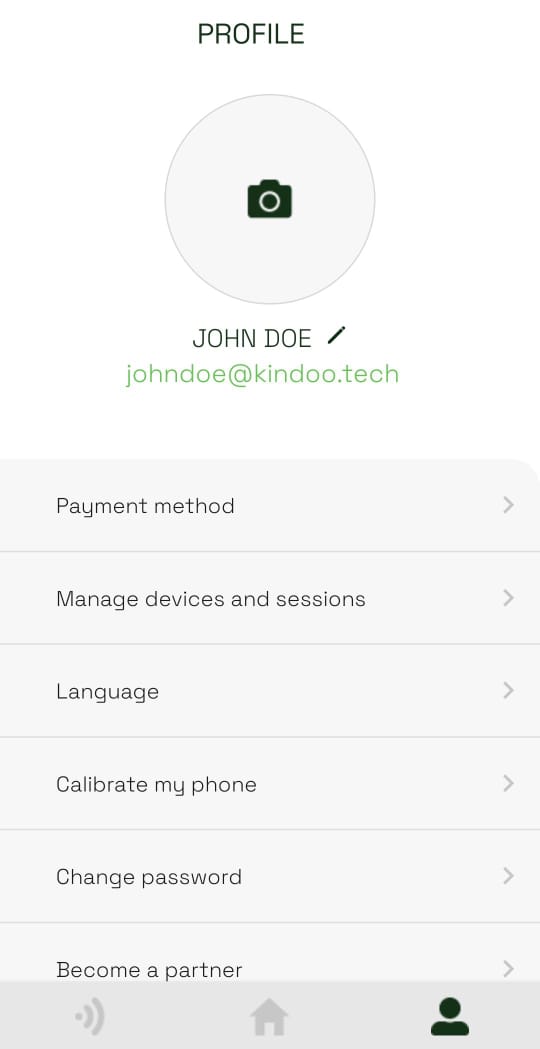
From your profile, you can:
- Tap the pencil icon beside your name to edit your personal information.
- Add a personal payment method and link it to sites you manage.
- Use Manage devices and sessions to review or end validated sessions.
- Change the app language or your password.
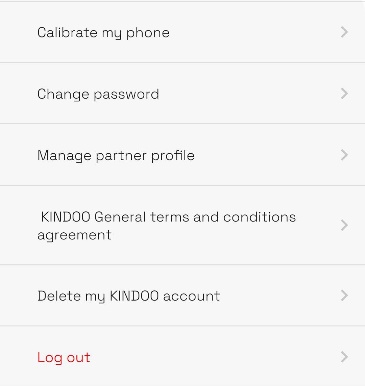
- Use Calibrate my phone to optimize phone sensitivity while near a KIN you can access.
- Open the partner registration or partner management page.
- Review the KINDOO general terms and conditions.
- Log out.
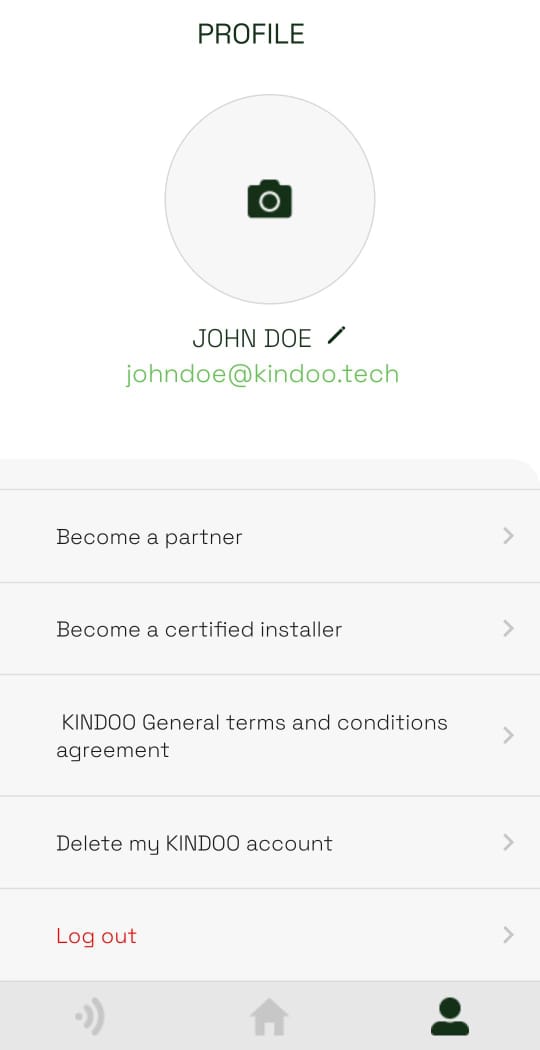
Additional account actions appear lower on the profile page.
warning
Deleting your KINDOO account removes you from every site. If you are the last administrator of a site, no other user will be able to manage its KINs, controllers, or purchases. Assign another administrator first.
Become a KINDOO partner
- From Profile, tap Become a partner. Your account email is filled in automatically.
- Enter the required business and contact details, then tap Become a partner.
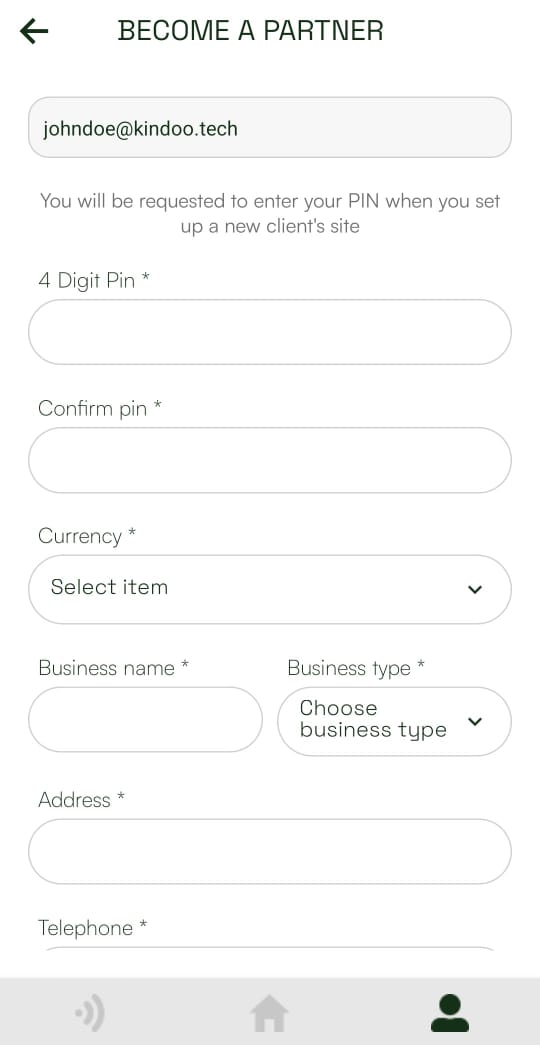
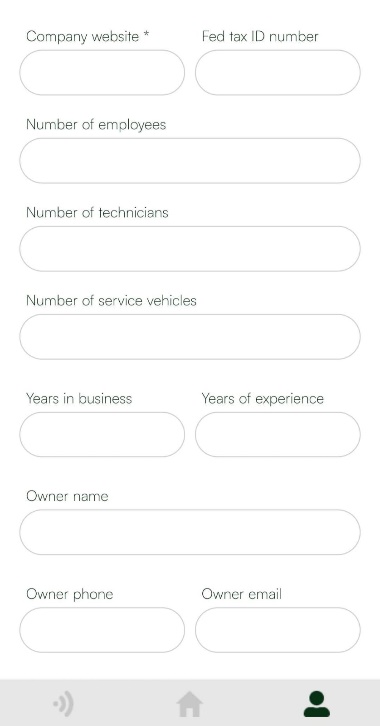
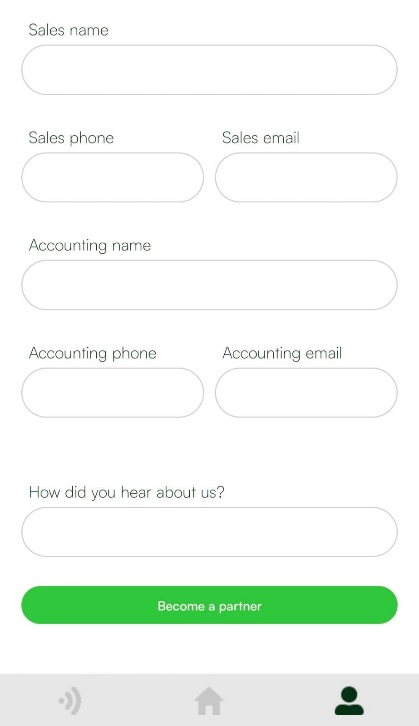
After registration, Become a partner changes to Manage partner profile.
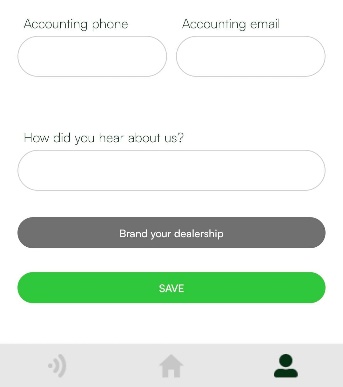
- Open Manage partner profile to update your information. Use Brand your dealership to upload the image shown when a user performs an action associated with your dealership. Tap Save after making changes.