Configure Access Rules
An access rule is a reusable schedule that can be assigned to selected users and entry points. Use one when several users need the same access or when you expect to reuse a schedule.
Create an access rule
- Open the Type D site and tap Access rules.
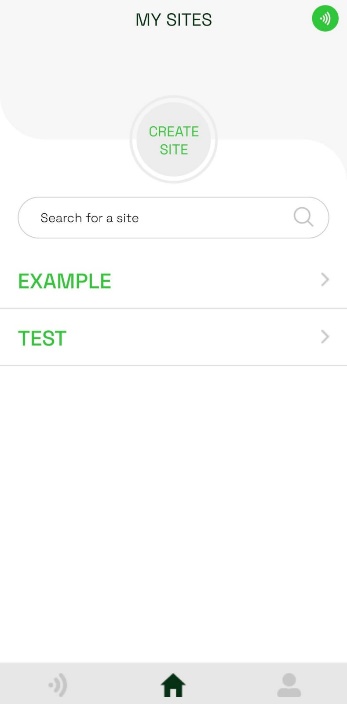
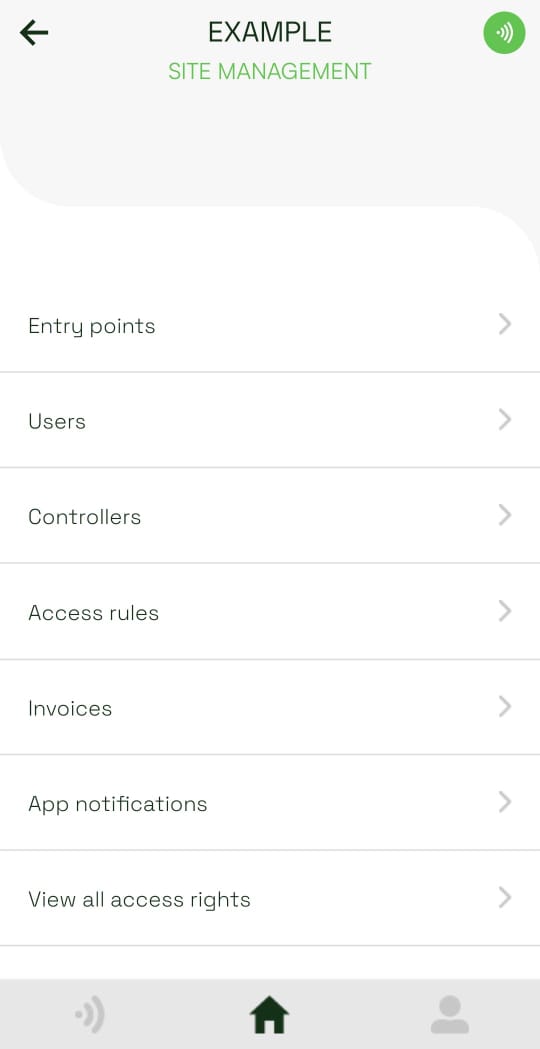
- Tap Add access rule.
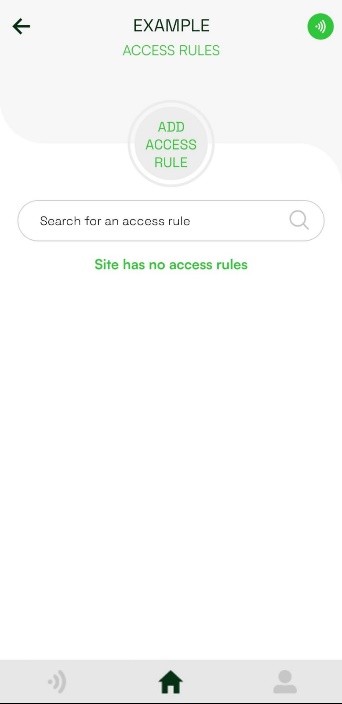
- Enter a name that will make the rule easy to recognize later. Choose its schedule:
- Always allows access at any time.
- Weekly allows access during recurring weekly periods, such as Monday from 1:00 PM to 5:00 PM.
- From-To allows access during one defined date and time range.
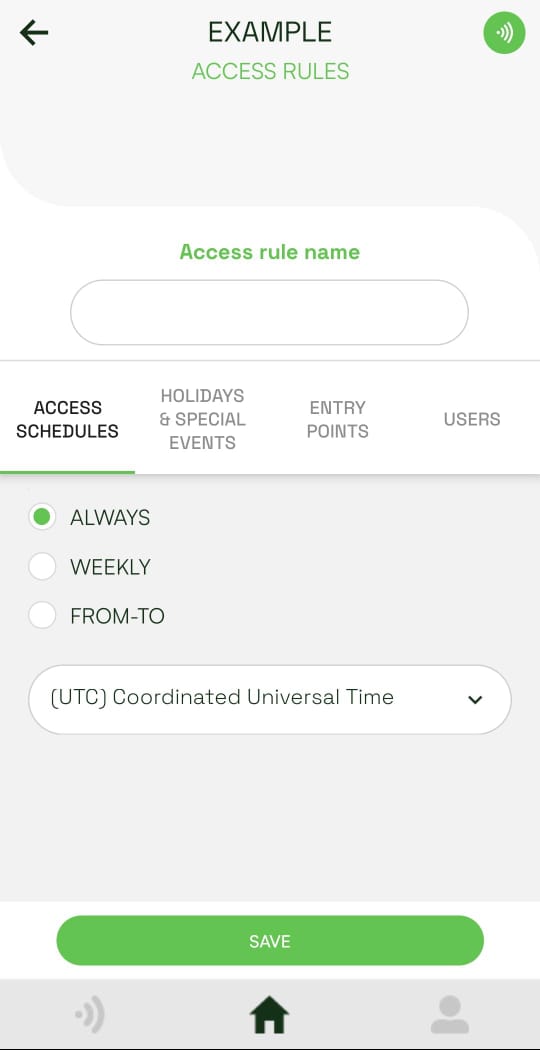
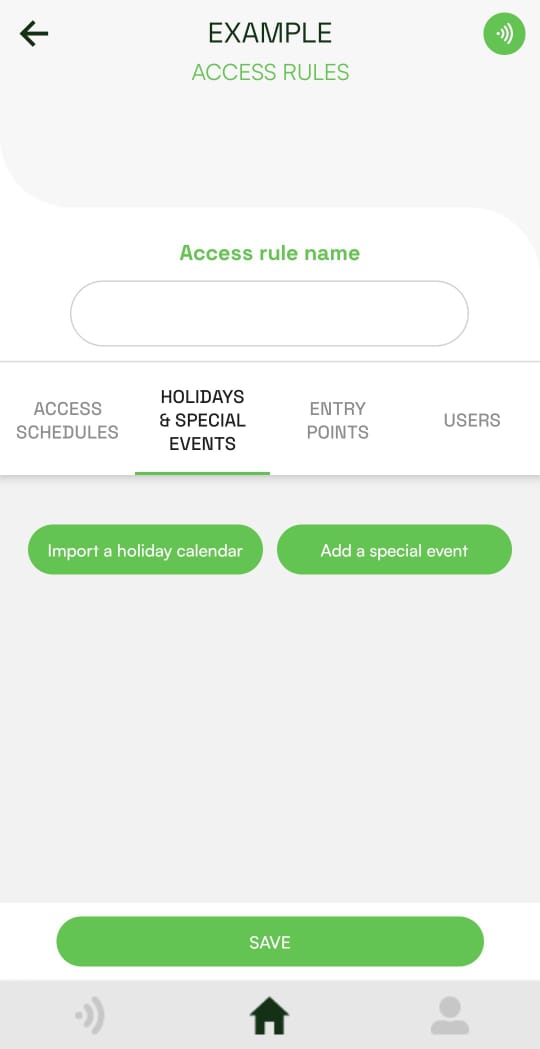
- Optional: open Holidays & Special Events to import a holiday calendar or add a one-time event.
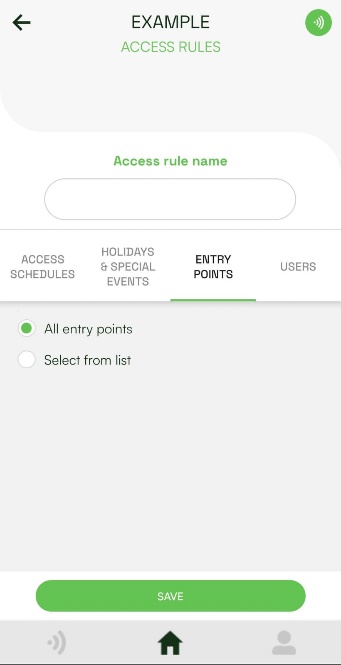
- Open Entry Points and apply the rule to all entry points or a selection of entry points.
- Open Users and enable the rule for each user who should receive access. Tap Save.
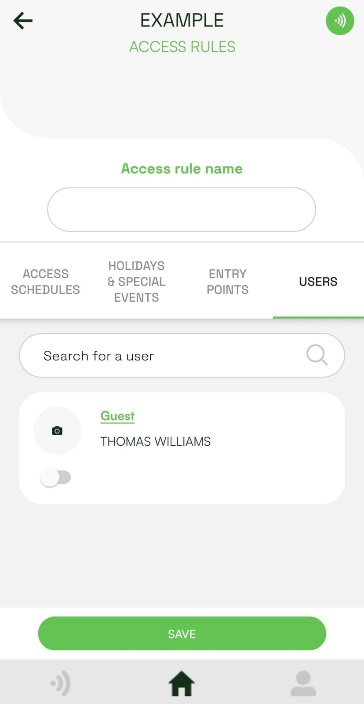
The rule now controls access for the selected user and entry point combinations.